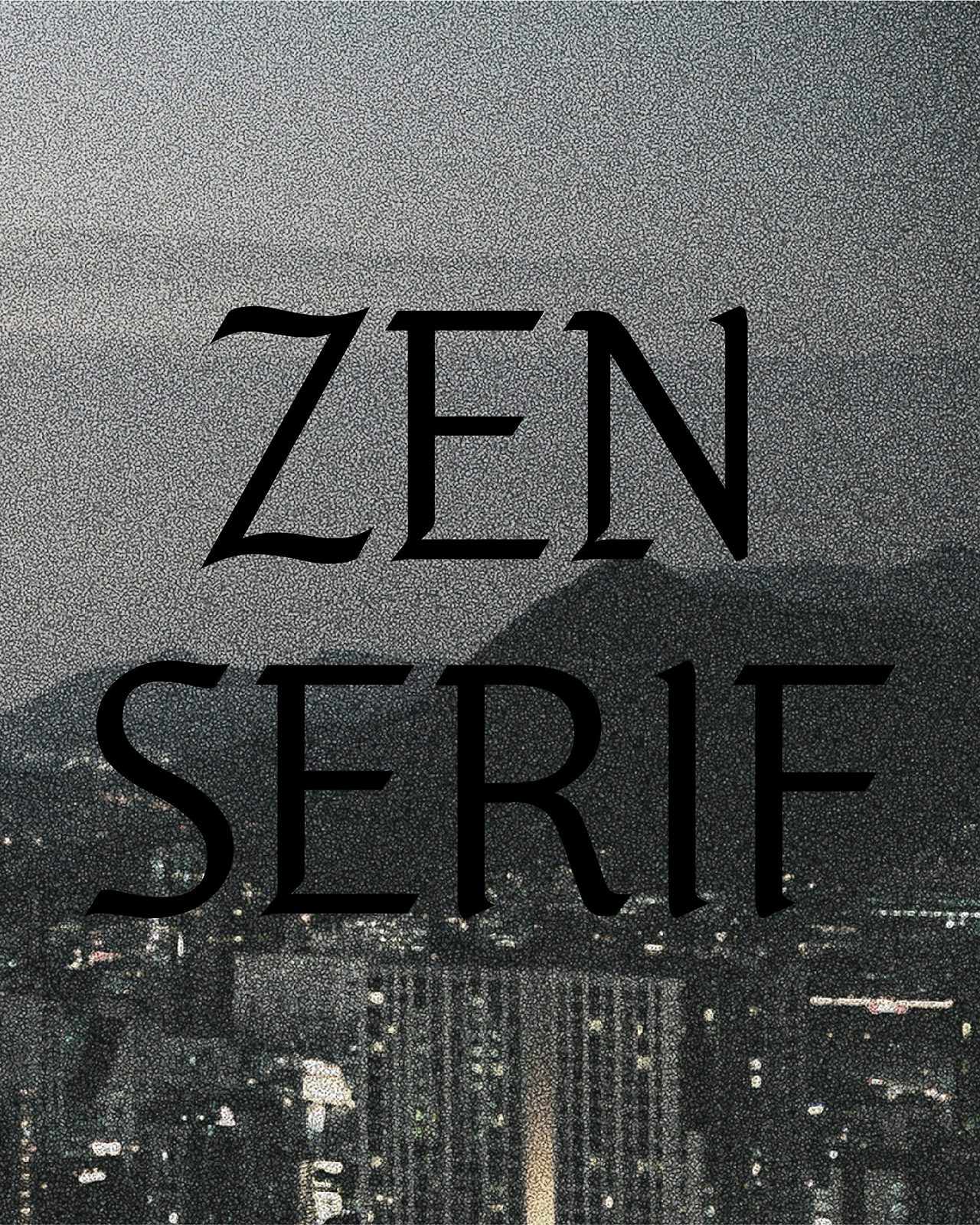
Jennie’s Hangul Font “ZEN Serif” — Free Download & Commercial Use Guide
Looking for a stylish Hangul font created by BLACKPINK’s Jennie?
Released in celebration of Hangul Day, ZEN Serif is a beautiful typeface that blends traditional Korean aesthetics with modern design. Best of all, it’s free to download and can be used in commercial projects.
In this post, you’ll learn everything you need to know about ZEN Serif — its origin, download links, installation guide, and usage tips.
What Is ZEN Serif?
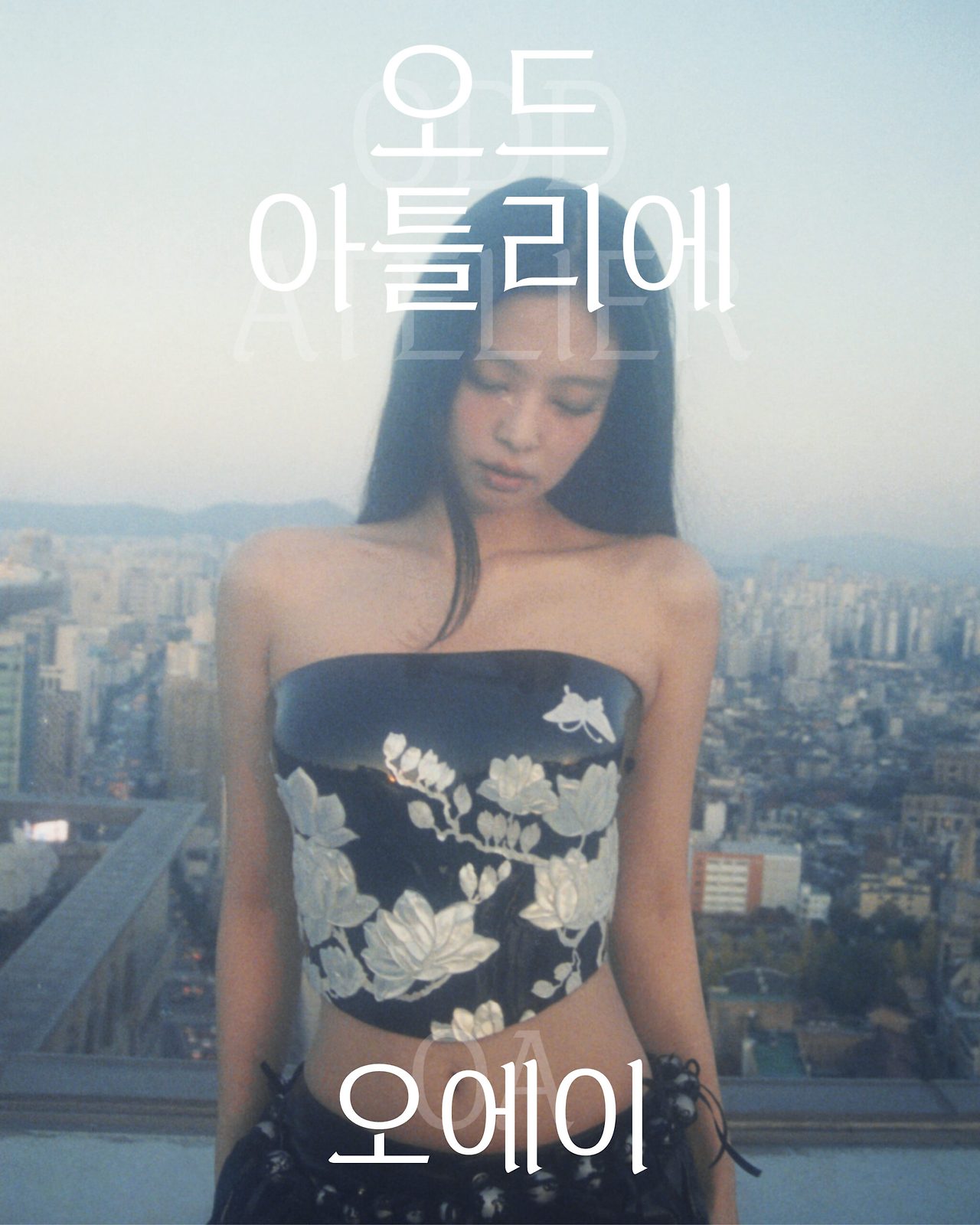
ZEN Serif was created by Jennie in collaboration with her label Odd Atelier (OA).
Just as her music bridges tradition and modernity, this Hangul typeface reimagines the elegance of classical blackletter through a contemporary Korean lens.
By minimizing heavy decorations and softening rigid forms, ZEN Serif captures both strength and delicacy — a design philosophy that reflects OA’s refined artistic identity.
Free for Commercial Use
The font is available in OTF and TTF formats from Odd Atelier’s official website.
While you can freely use it in personal and commercial projects, there are important restrictions:
Allowed
- Personal and commercial design projects
- Social media content, print materials, websites, video captions, and ads
- Use inside Instagram’s Edit app
Not Allowed
- Selling or redistributing the font files
- Using it for BI/CI (company logos) without permission
- AI training, NFT creation, or political use
- Modifying, reverse-engineering, or converting to other formats
👉 Official download page
https://oddatelier.net/notice-board/oa-font-zen-serif/
Step-by-Step Download Guide
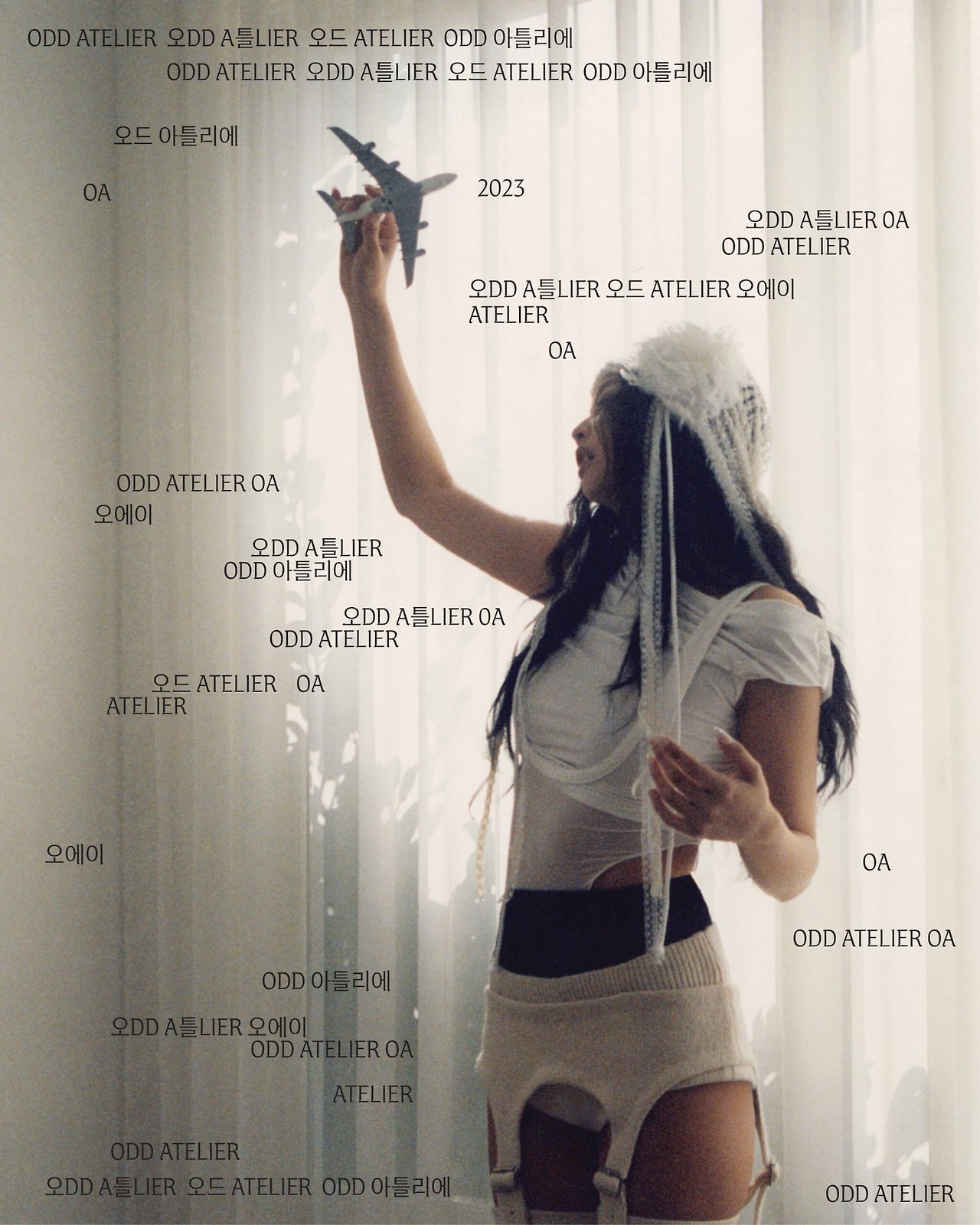
- Visit the official page:
Odd Atelier Font Download Page - Optional: Learn more about the design concept at
ZEN Serif Introduction - Download files:
Scroll to the bottom of the page and clickZEN SERIF.TTForZEN SERIF.OTF.
No sign-up or login is required.
Installation Guide
Windows
- Right-click the downloaded file → Install or Install for all users
- Restart any open apps to refresh the font list
macOS
- Double-click the TTF file → Font Book opens automatically → Install Font
Mobile (Instagram)
- Open the Instagram Edit app → Add text → Choose “ZEN SERIF”
- No installation needed; the font is built into the app
Design Features
ZEN Serif stands out for its fusion of blackletter structure and Hangul form.
It delivers a bold yet refined impression — perfect for fashion, music, and lifestyle projects.
Best Uses
- Titles, headers, and key visuals
- Posters, album covers, video captions, and thumbnails
- Website banners and print layouts
Avoid using it for long paragraphs; pair it with clean sans fonts like Nanum Gothic, Pretendard, or Spoqa Han Sans for balance.
Design & Styling Tips
- Color Palette: Works beautifully with black, white, gold, and silver
- Letterspacing: Increase tracking by 5–10% for better readability
- Contrast: Use solid or lightly blurred backgrounds for clarity
FAQ
Q. Can I use it for monetized YouTube videos?
Yes — thumbnails, intros, and captions are allowed.
Q. Does it support English and Hangul?
Yes, it supports Hangul, Latin letters, numbers, and basic punctuation.
Q. Which version should I download?
Windows users: either TTF or OTF
macOS users: TTF recommended
Q. Can I share the font file?
No. Instead, share the official download link above.
Wrap-Up
ZEN Serif is more than just a font — it’s Jennie’s artistic expression of Korean beauty for a global audience.
By fusing a Western traditional style with Hangul, it creates a one-of-a-kind cultural bridge between heritage and modernity.
Download ZEN Serif today and infuse your next project with Jennie’s refined design spirit.