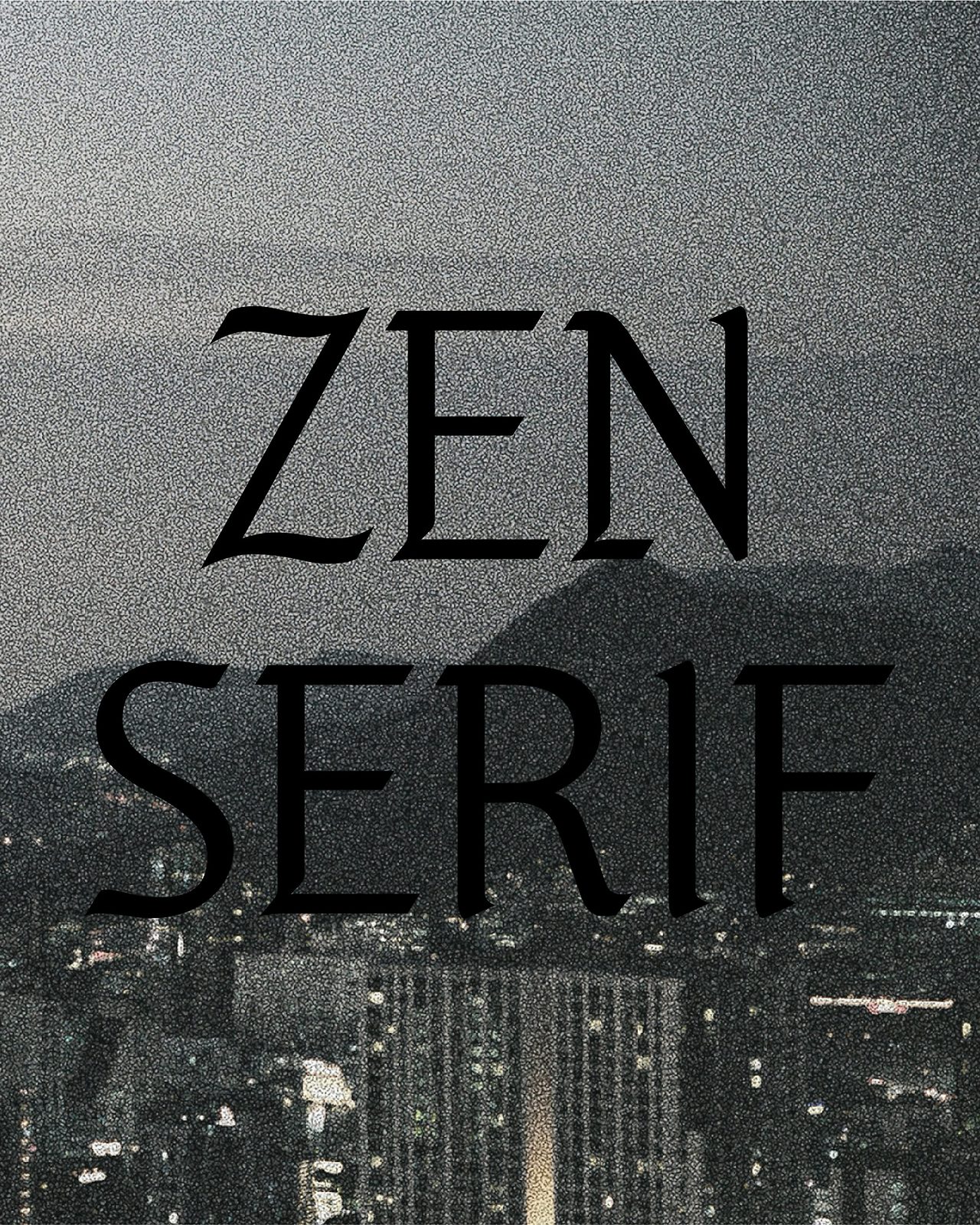
Jennie ZEN Serif Official Download Start Creating Today
Curious about the Hangul font created by BLACKPINK’s Jennie? Released in celebration of Hangul Day, this typeface is now available for free. “ZEN Serif” can even be used for commercial projects—check it out now.
If you’ve been looking for a stylish font for social media feeds or blog design, take note: the Hangul font “ZEN Serif,” planned with direct participation from Jennie, is being distributed for free. It blends traditional beauty with a modern sensibility—put this special typeface to work in your projects.
In this post, you’ll find everything you need to know about Jennie’s Hangul font.
Key Points for Free Use in Commercial Projects
ZEN Serif is available as OTF and TTF on Odd Atelier’s official website. It’s free for personal use and can be used in a variety of contexts, but there are a few important restrictions.
According to the attached license, you may not sell the font files themselves or use them for BI/CI. Converting the font to other formats, modifying it, or using it in political contexts without permission is also prohibited.
That said, you’re free to use it for typical design work such as social content, video captions, and print materials. Do note that creating a new font based on the design, or using it for AI training or NFT production, is not allowed.
👉 Go to Odd Atelier’s font download page:
What Is Jennie’s Hangul Font, ZEN Serif?

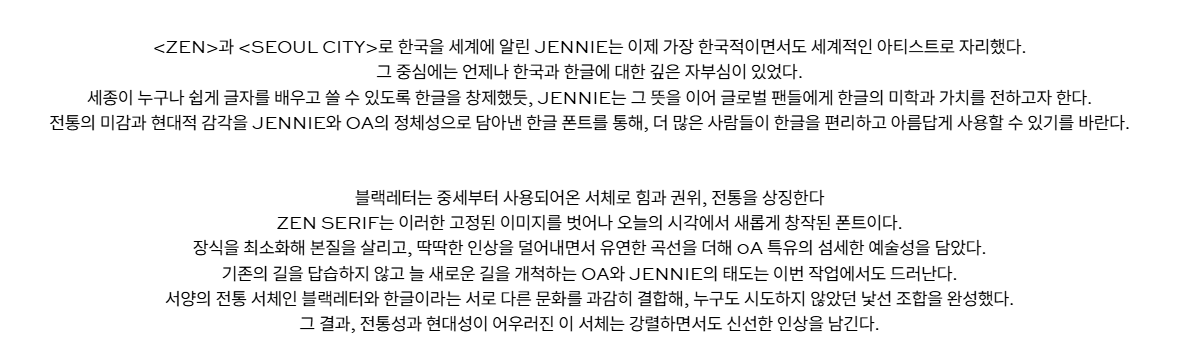
Just as Jennie’s album tracks “Zen” and “Seoul City” introduced Korea to the world, ZEN Serif aims to share the beauty of Hangul through type. Like King Sejong—who created Hangul so everyone could easily learn and write—Jennie seeks to convey the aesthetics and value of Hangul to global fans.
This Hangul typeface embodies the identity of Jennie and OA, combining traditional sensibilities with a modern touch, and hopes to help more people use Hangul easily and beautifully.

Blackletter is a script used since the Middle Ages, symbolizing strength, authority, and tradition. ZEN Serif breaks away from that fixed image and reimagines it through a modern lens. By minimizing ornamentation to emphasize essence, softening rigidity, and adding fluid curves, it captures OA’s signature delicate artistry.
OA and Jennie have always forged new paths rather than following old ones—and that spirit shows here as well. By boldly combining blackletter—a Western traditional script—with Hangul, they created a novel pairing that few had attempted.
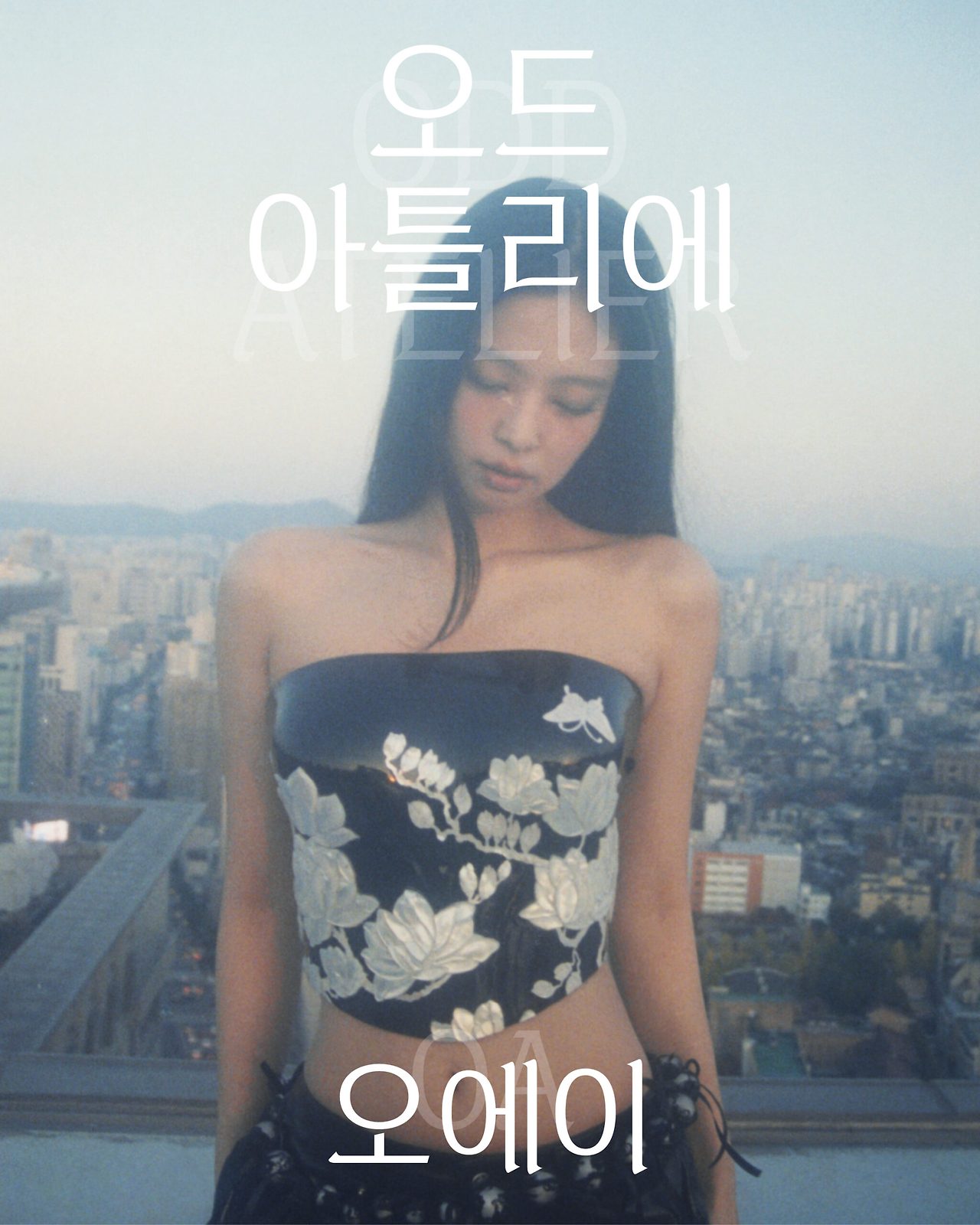
This is the first time a Korean entertainment company has produced and distributed a font. Jennie’s label, Odd Atelier, partnered with Meta to register a Hangul font in Instagram’s short-form editing app “Edit” for the first time. As a result, users around the world can use the font for free within the app.
👉 Go to the font introduction page
Step-by-Step Download Guide
You can download the ZEN Serif font from OA Entertainment’s official website.
1) Visit the official download page
Go to Odd Atelier’s official download page: https://oddatelier.net/notice-board/oa-font-zen-serif/. You can download the font files directly from this page.
2) Check the font introduction page
If you’d like to learn more, first visit the official guide page: https://oddatelier.net/a-new-typeface-zen-serif/ for the design philosophy and features.
3) Start the download
On the download page, click ZEN SERIF.TTF and ZEN SERIF.OTF at the bottom to download. No sign-up or login is required.
If you’re an Instagram user, there’s an even simpler option: apply ZEN Serif directly to your content via Instagram’s Edit app. OA partnered with Meta to register ZEN Serif as an Instagram Edit font, so users around the world can access it in-app.
Installation Guide by OS
Windows
- Find the downloaded TTF or OTF file. Right-click and choose Install or Install for all users to install it system-wide.
- Alternatively, double-click the downloaded file and click Install at the top of the preview window.
- You can also open the Fonts folder in Control Panel and drag-and-drop the font file into it. After installation, the name “ZEN SERIF” will be available in Word, Photoshop, Illustrator, and other programs.
- Windows users can use either TTF or OTF. Restart your program if the font list doesn’t refresh.
macOS
- Mac users are recommended to use the TTF file. Double-clicking it will open Font Book automatically. Click Install Font at the bottom of the preview to add it to your system.
- To install multiple fonts at once, open Font Book directly and drag files into it. After installation, you can select ZEN Serif in Final Cut, Adobe apps, and more.
Mobile
- You can’t typically install it as a system font on mobile, but you can use ZEN Serif via Instagram’s Edit app. Find “ZEN SERIF” in the font selection menu and apply it.
- Design apps like Canva, PicsArt, and MangoBoard allow custom font uploads; steps vary by app, so check each app’s help guide.
Design Features & How to Use
ZEN Serif’s standout feature is its fusion of blackletter with Hangul. Blackletter, used in medieval Europe, gives a bold and premium impression.
ZEN Serif softens the rigidity of traditional blackletter and adds gentle curves for a modern re-interpretation. It leaves a strong yet fresh impression by harmonizing tradition and modernity.
Optimized for Headlines & Emphasis
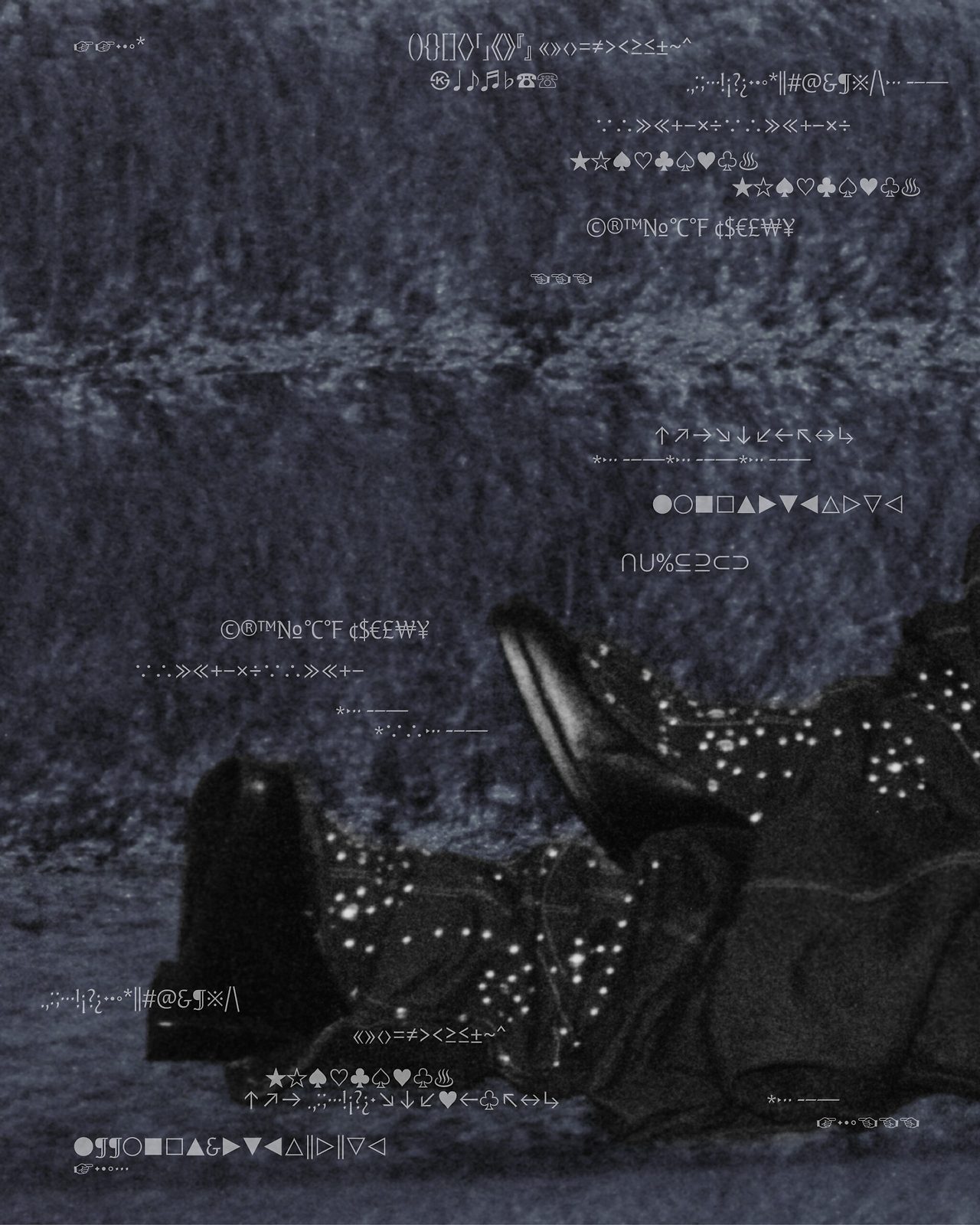
The font shines in titles or emphasized phrases. At large sizes, it delivers a unique, stylish look—especially suitable for fashion, beauty, lifestyle, and music-related content.
For Social Media Content
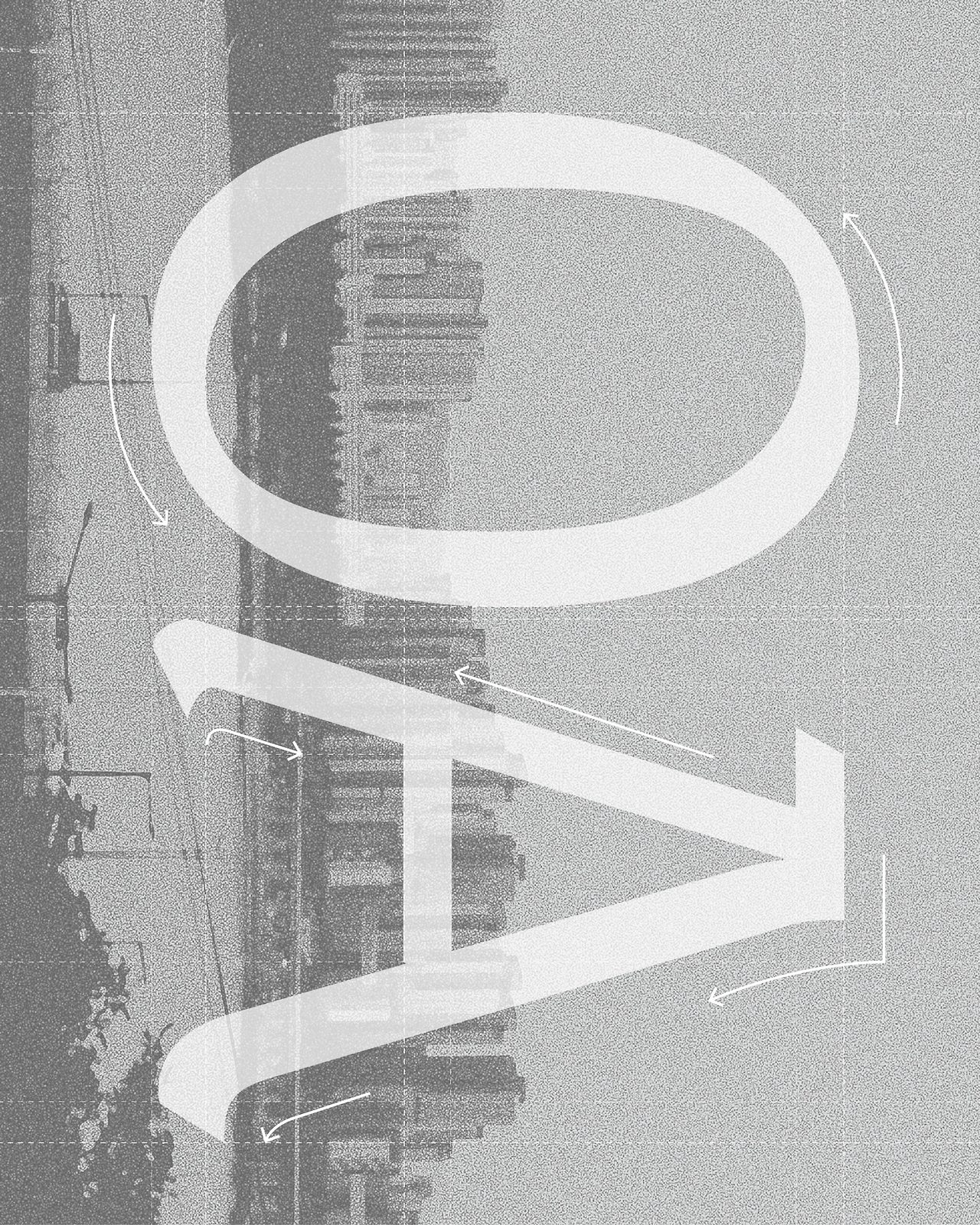
Use it in Instagram Stories or Reels to create eye-catching text. It also works well for YouTube thumbnails, video captions, branding work, and poster design.
For Print & Digital
You can apply it to a wide range of print materials—album covers, magazine covers, event posters, business cards, and even logos. It’s also effective for website headers and banner images.
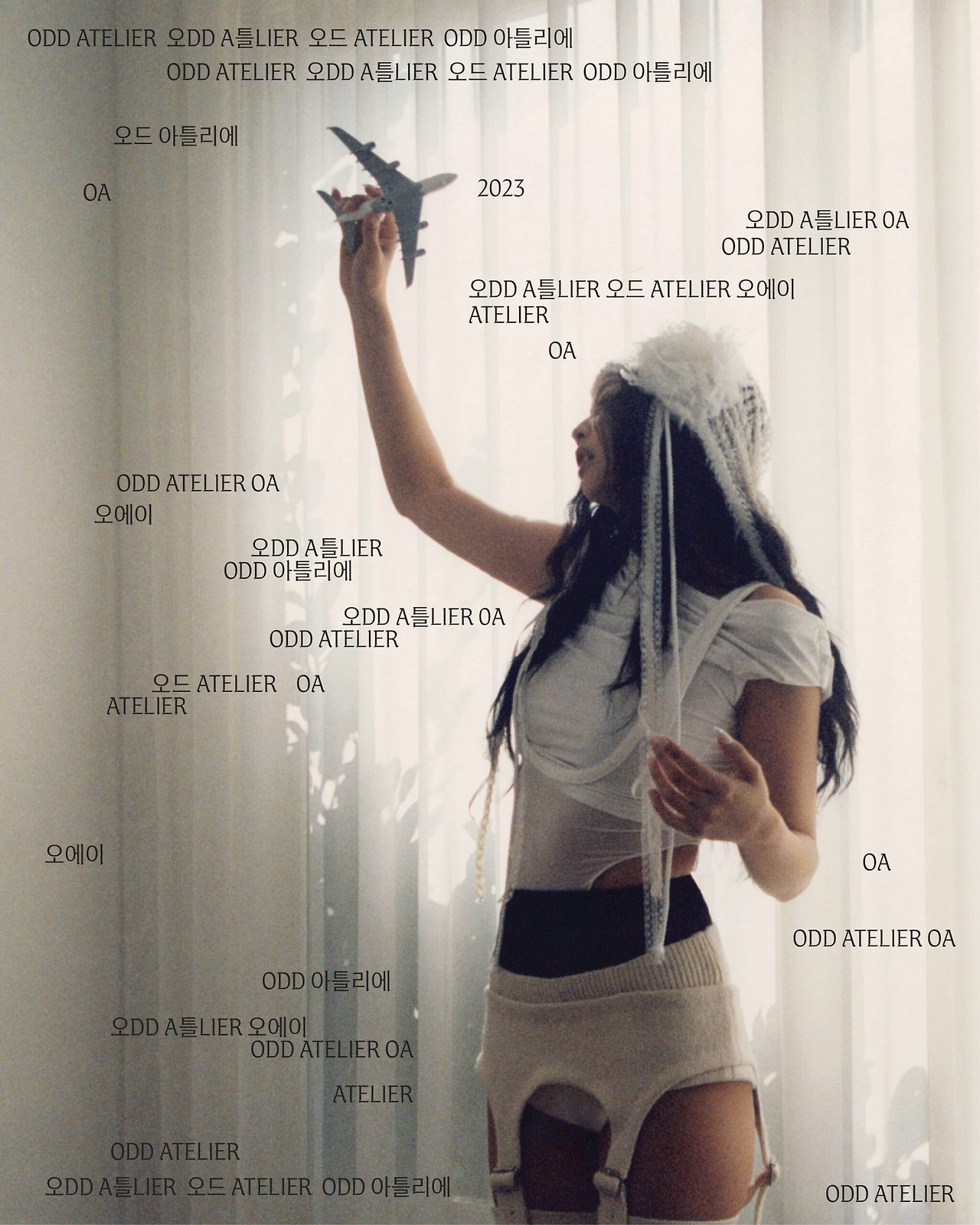
For body copy at small sizes, readability may drop—so use it primarily for headlines or key phrases, and pair body text with a simple sans/gothic family.
License Details
The copyright for ZEN Serif belongs to OA Entertainment. It’s free for everyone to use, with the following restrictions.
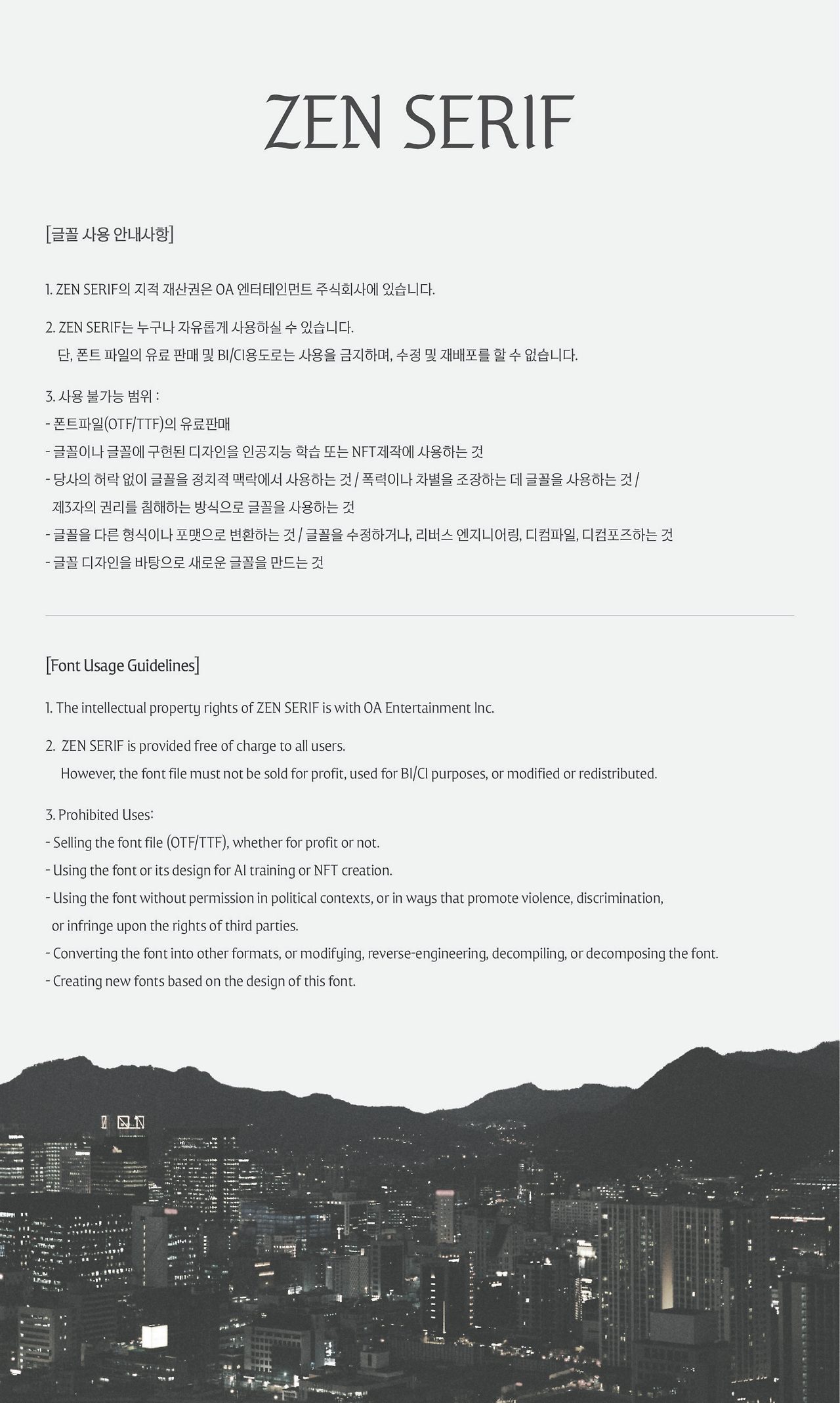
Prohibited Uses
- Selling the font files (OTF/TTF)
- Using the font/design for AI training or NFT creation
- Using it in political contexts without permission, or in ways that promote violence or discrimination
- Converting to other formats, modifying, reverse engineering, decompiling, or disassembling
- Creating a new font based on this font’s design
- Creating “versions” of the font design
Permitted Uses
- Typical design work for personal and commercial projects
- Print (posters, business cards, books, magazines, etc.)
- Digital content (blogs, websites, social posts)
- Video captions and thumbnails
- Advertising and marketing materials
- Product packaging and product pages
Note: Use for BI/CI may be restricted; if you plan to use it in a company logo or brand identity, it’s safest to contact OA Entertainment in advance.
Using the Instagram Edit App
You can use ZEN Serif in Instagram’s short-form editing app, Edit. Update the Instagram app to the latest version, then access the Edit feature.
Upload a video or image, go to the text tool, and select “ZEN SERIF.” You can immediately apply the font Jennie created.
Adjust text color, size, and placement to match your style. It works for Stories, Reels, and Feed posts.
Using the Instagram Edit app means there’s no need to download or install the font separately—you can use ZEN Serif on mobile right away.
This global accessibility reflects Jennie’s intention to share the beauty of Hangul with the world. It’s the first time a Hangul font has been registered within Instagram.
Pairing Tips with Other Fonts
Because ZEN Serif has a strong personality, be selective when pairing it. Use ZEN Serif for bold headlines and pair body text with a clean sans/gothic family.
Recommended Pairings
- Nanum Gothic
- Pretendard
- Spoqa Han Sans
These combinations maintain readability while enhancing design polish. Avoid using multiple decorative fonts together to prevent visual clutter.
Color Choices
To accentuate ZEN Serif’s elegance, classic colors like black, white, gold, and silver are effective. It also pairs nicely with pastel or vivid palettes.
Letterspacing & Line Height
Because it has decorative elements, slightly increasing tracking (by about 5–10%) can create a more refined look. Ensure sufficient line spacing to avoid a cramped feel.
Contrast with Backgrounds
When placing ZEN Serif over complex backgrounds, add a semi-transparent box or shadow behind the text to improve readability. Solid backgrounds showcase the font’s details best.
FAQ
Q. Can I use it for commercial projects?
Yes, you can use it freely for typical commercial projects. However, selling the font files or using it for BI/CI may be restricted—check the license terms.
Q. Can I use it in YouTube videos?
Absolutely. You can use ZEN Serif for subtitles, thumbnails, intros—anywhere in your videos, including monetized content.
Q. Can I modify the font?
Modifying or converting the font files themselves is prohibited. But changing text color, size, and effects within design software is fine.
Q. Does it support both Hangul and English?
Yes—ZEN Serif supports Hangul, the Latin alphabet, numbers, and basic punctuation. Mixed Hangul–English layouts maintain cohesive design.
Q. Can I share the font file with others?
Redistributing the font files directly is not allowed. Share the official download page link instead: https://oddatelier.net/notice-board/oa-font-zen-serif/
A NEW TYPEFACE, ZEN SERIF
ZEN SERIF.TTF ZEN SERIF.
oddatelier.net
Q. Which should I download—TTF or OTF?
Windows users can use either; macOS users are recommended to use TTF. The design is identical, so choose based on your system environment.
Notes
Use the official download path
Files from non-official sources may be unsafe or violate the license. Always download from
https://oddatelier.net/notice-board/oa-font-zen-serif/
Follow the license
When you share your work using the font on social media, tagging Jennie or OA Entertainment can help more people discover this beautiful typeface.
Since license scope can vary by project, contact OA Entertainment in advance for large-scale commercial or special-use cases.
Troubleshooting installation
If the font doesn’t appear after installation, restart your program. If issues persist, clear your font cache or reboot your computer.
On Windows, ensure you selected Install for all users if the font isn’t displaying properly.
Readability considerations
Because ZEN Serif has decorative features, readability can drop at small sizes (12pt or below). It’s best as a headline or accent font; use a simple sans/gothic font for body text.
Wrap-Up
ZEN Serif, released by BLACKPINK’s Jennie for Hangul Day, is a special gift. Blend tradition and modernity to add personality and style to your content.
You can download it for free from the official page (https://oddatelier.net/notice-board/oa-font-zen-serif/) and use it directly in the Instagram Edit app. By observing the license terms, you can apply it across a variety of projects.
More than just a beautiful font, ZEN Serif reflects Jennie’s wish to share the value of Hangul with the world—an audacious fusion of a Western traditional script and Hangul, uniting heritage with contemporary design.
Download ZEN Serif now and express the beauty of Hangul in your work. Experience, in your own projects, the aesthetic Jennie wanted to convey.